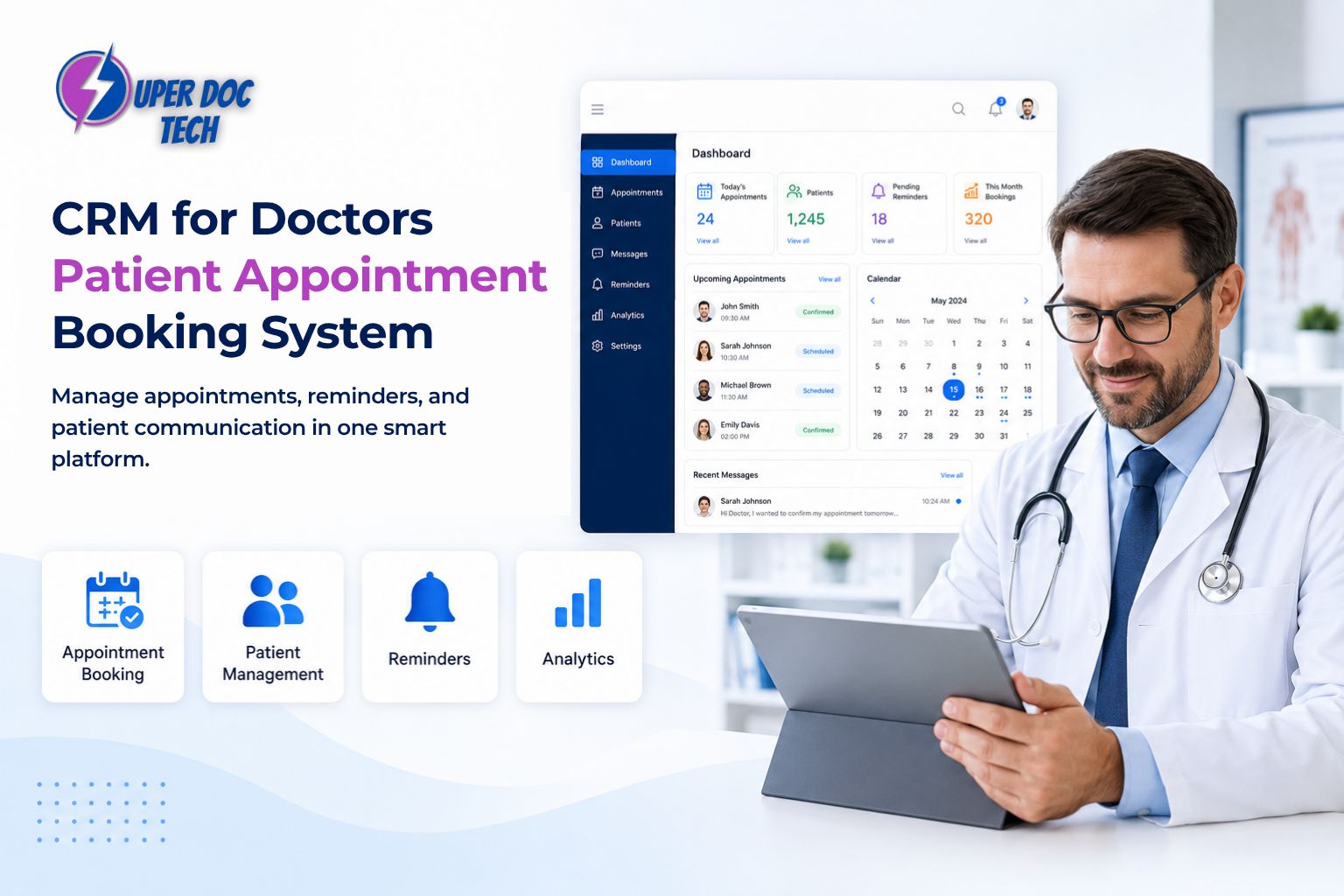
The Right CRM for Doctors Does More Than Store Contacts
Most independent physicians who have a CRM are using about 10% of what it can actually do.
They use it to store patient names, maybe log a note or two after a call, and occasionally pull up a contact when someone reaches out. Then they go back to managing their schedule manually, chasing down no-shows by phone, and watching new patient leads sit unanswered in an inbox for two days.
That is not a CRM problem. That is a configuration problem. And fixing it is one of the fastest ways to grow an independent practice without spending more on ads or hiring more staff.
What Most Doctors Think a CRM Does
The word CRM carries a lot of baggage from the sales and corporate world. It makes physicians think of pipelines and lead scoring and dashboards built for software companies, not medical practices.
So when a physician hears that they need a CRM for doctors, the instinctive reaction is often: "I already have one and it doesn't do much."
The reality is that a generic CRM built for sales teams will never serve a medical practice well. But a healthcare-specific CRM configured correctly does something completely different. It does not just hold data. It acts on it — automatically, consistently, and around the clock.
The Real Job of a CRM in a Medical Practice
A properly built CRM for doctors functions as the central nervous system of your entire patient journey. Every touchpoint a patient has with your practice, from the first inquiry to the follow-up after their third visit, flows through and is managed by the CRM.
Here is what that actually covers:
Lead capture: every new inquiry from your website, social media, or referral is automatically logged and assigned a follow-up action
Automated follow-up: new leads receive an instant response via text or email without anyone on your team having to manually reach out
Pipeline tracking: you can see at a glance how many leads are in the inquiry stage, how many have booked, how many need a follow-up, and how many have gone cold
Patient segmentation: your database is organized by visit history, service interest, last contact date, and other criteria so you can target the right patients with the right message at the right time
Reactivation workflows: patients who have not visited in 90, 180, or 365 days are automatically flagged and re-engaged through personalized outreach sequences
None of this requires your team to manually check a list every morning. It runs in the background while you focus on patient care.
Where the Booking System Comes In
A CRM that does not connect to your patient appointment booking system is doing half the job. The connection between these two tools is where independent practices either win or lose a new patient.
Here is the problem that plays out in most practices without this integration:
A potential patient fills out a contact form on your website at 7pm. It lands in your email inbox. Your coordinator sees it the next morning, calls the number, gets voicemail, and leaves a message. The patient calls back two days later, your coordinator is with someone else, and the call goes to voicemail again. By the time they actually speak, the patient has already booked with another practice that had online scheduling available the moment they first inquired.
According to MGMA data from 2025, 24% of practice leaders now rank online scheduling as their primary operational focus, second only to addressing no-shows. The urgency is real because practices that cannot offer immediate digital booking are consistently losing patients to those that can. Anzolo Medical
What a Connected Booking System Does Differently
When your CRM and patient appointment booking system are integrated, the entire process changes:
A new inquiry triggers an instant automated response with a direct booking link
The patient books at their own convenience, including evenings and weekends, without speaking to anyone
The appointment drops directly into your calendar in real time
A confirmation is sent automatically, followed by a reminder 48 hours before and another 24 hours before the visit
If the patient does not book within 48 hours of their inquiry, the CRM triggers a follow-up sequence to bring them back
The result is a patient acquisition process that runs completely on autopilot from first contact to confirmed appointment.
The No Show Problem and How This Solves It
No-shows are one of the most expensive and underaddressed problems in independent practice. The average no-show rate across US outpatient clinics ranges from 20 to 30%, and for a typical independent physician practice, this translates to annual losses exceeding $150,000.
Most practices respond to this by charging no-show fees. That approach addresses the symptom, not the cause. Patients do not typically no-show because they are irresponsible. They no-show because they forgot, because rescheduling felt like too much friction, or because they never received a clear reminder that made the appointment feel real and confirmed.
A CRM connected to your booking system solves this at the root:
Automated reminders go out at the right intervals without anyone managing the process
Patients can reschedule with a single click in the reminder message rather than having to call
Research published in Frontiers in Digital Health found that appointments booked online had a no-show rate of 1.8% compared to 5.9% for appointments booked offline, a significant difference driven entirely by the friction reduction of digital scheduling
High-risk appointments can be flagged by AI and receive additional outreach before the visit date
The practices that see the biggest reduction in no-shows are not the ones charging the highest fees. They are the ones that made it easiest to remember, reschedule, and show up.
What Happens to Leads That Do Not Book Right Away
Not every new patient books on the first touchpoint. Some inquire, get busy, and forget. Others are comparing practices and have not made a decision yet. Without a CRM, these leads simply go cold and disappear.
With a properly configured CRM, they enter an automated nurture sequence instead.
How a Nurture Sequence Works
When a lead does not book within a defined window, the CRM does not give up. It sends a follow-up text the next day, an email two days later, and a value-focused message a week after that. Each message is written in the practice's voice and gives the patient a clear, easy path to book.
Most practices see a significant percentage of their originally cold leads convert through nurture sequences alone, often within the first two to three weeks of setting this up. These are patients who would have been permanently lost without an automated system catching them.
Common Questions About CRM and Booking Integration
Do I need separate software for CRM and booking, or can one system handle both?
The best outcome is a single platform that handles both natively or integrates them so tightly that they function as one. Separate tools that do not communicate create the same fragmentation problem you are trying to solve. When evaluating any CRM for your practice, confirm that it connects directly to a booking system and that data flows between them automatically without any manual export or import steps.
Can this work for a solo practice or small team?
It is actually most impactful for solo and small practices because you have the least capacity to manage manual follow-up. A physician running a solo practice cannot afford to have one team member chasing leads all day. An automated CRM and booking system effectively gives a small team the operational capacity of a much larger one.
What if a patient wants to call instead of book online?
A good system handles both. Patients who call speak to your team or AI assistant, and the booking still gets logged and managed through the same CRM. The key is that every inquiry, regardless of how it arrives, enters the same centralized system so nothing is ever managed in a separate inbox or spreadsheet.
How quickly can this be set up for my practice?
Most practices can have a fully functional CRM and booking integration running within two to four weeks. The setup involves configuring your patient journey workflows, connecting your calendar, building your follow-up sequences, and testing the booking flow before going live. The initial investment of time pays back almost immediately in recovered leads and reduced no-shows.
What Your Schedule Looks Like After Getting This Right
The difference between a practice running a disconnected stack and one running an integrated CRM and booking system is visible in the schedule within weeks.
Gaps that used to go unfilled because there was no system to catch late cancellations are now filled automatically from a waitlist. New patient leads that used to sit unanswered for 24 to 48 hours now receive an instant response and a booking link within minutes. Patients who would have no-showed receive a reminder that gives them an easy path to reschedule rather than disappear. And reactivation campaigns quietly bring back patients who had not been seen in months, filling the schedule without spending a dollar on new advertising.
Most practices see no-show rates begin to drop within the first quarter of implementing proper scheduling software, and the compounding effect across a full year represents a significant recovery of revenue that was previously being lost to system failure rather than lack of patient demand.
Your CRM Should Be Building Your Schedule, Not Just Storing Names
The global healthcare CRM market is growing rapidly because physicians are finally recognizing what the right system can do. The global healthcare CRM market was valued at $21.5 billion in 2025 and is projected to reach $35.7 billion by 2033, driven by the growing demand for automation and structured patient data management. Grand View Research
The practices leading that adoption are not the largest ones. They are the most intentional ones — physicians who decided that their CRM should work as hard as they do, not just sit in the background holding a list of contacts that nobody acts on.
If your current setup is not automatically following up with new leads, filling your calendar without staff intervention, and reducing no-shows through intelligent reminders, you do not have a CRM problem. You have a configuration problem. And that is entirely fixable.
Book a strategy call with the Super Doc Tech team to see exactly what a fully connected CRM and booking system looks like for your specific practice and patient volume.
